Check the downloaded image, not just the preview.
A successful download is not proof that an image is safe to publish. Use separate checks for hidden metadata, visible private details, output quality, and network behavior.
Procedure, not a completed test report
This page describes suggested checks, not results showing that every check has passed. It does not publish a complete HEIC compatibility matrix, an independent security audit, or exhaustive metadata-removal certification. Interface screenshots illustrate controls, not successful export or privacy tests. A content review date is not a tool test date.
A useful test record needs the tool version or deployment, browser and OS, sample characteristics, steps, observed result, and limitations. Mark unperformed checks as “not tested.”
Prepare harmless samples
Suggested fixtures include a JPEG with known harmless EXIF fields, a PNG screenshot with invented account details, a transparent image, a large gradient, and a permitted HEIC sample with its source and features recorded. These suggestions are not a published sample set or evidence of completed tests. Keep originals separate from exports; do not use customer files.
Inspect network behavior
Open DevTools before loading the tool, disable cache, preserve the Network log, select a harmless sample, edit, and download. Distinguish code, ads, and analytics requests from requests carrying file bytes, encoded image content, filenames, or extracted metadata. Inspect payloads and initiators, then repeat after reload. Do not publish raw logs containing tokens or personal information.
No observed upload in one run is limited evidence for that workflow, not proof of all code paths or future behavior. Browser-side processing does not mean offline: ads, analytics, hosting, and code downloads can contact external servers. See data handling and advertising choices.
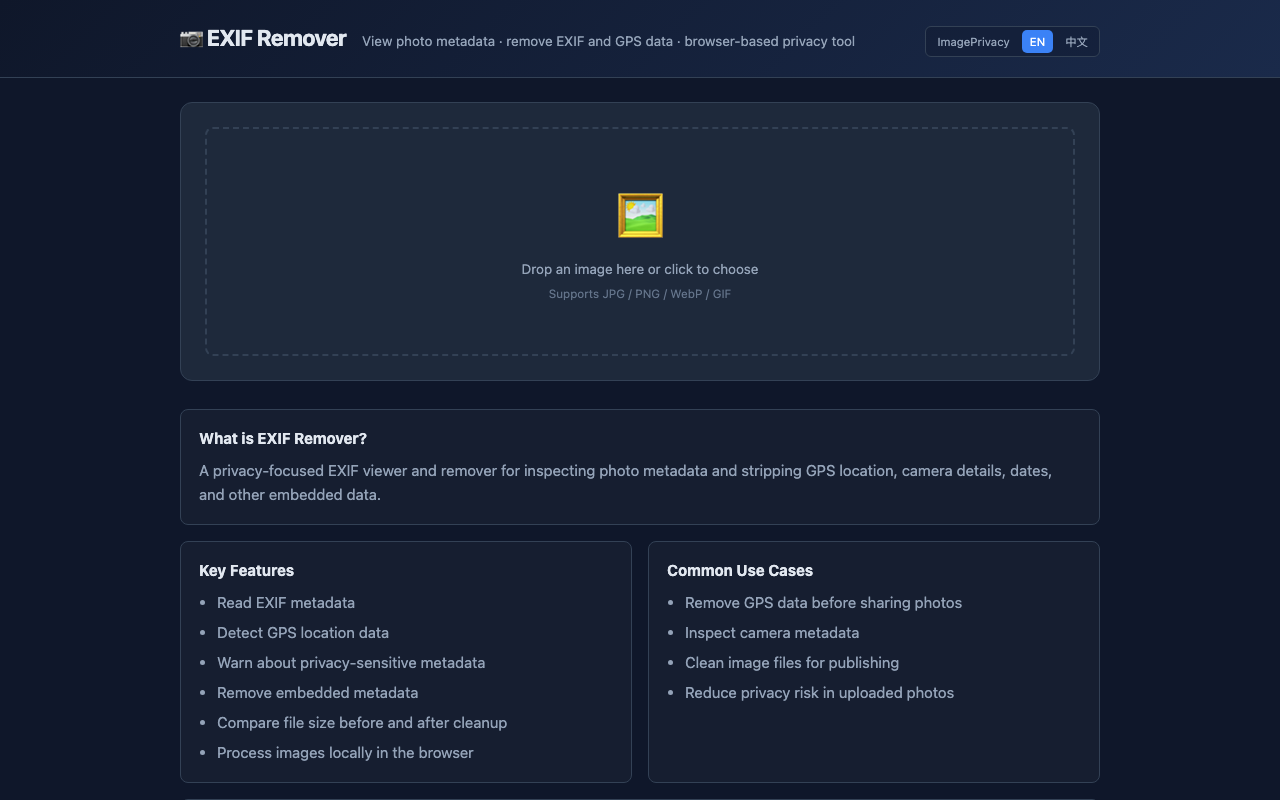
Suggested checks, not pass results
| Tool | What to check | Export verification | Important limit |
|---|---|---|---|
| EXIF Remover | Read metadata, flag GPS, export cleaned copy | Inspect the exported file again | Does not remove visible private details |
| Watermark Tool | Text placement, opacity, scale, export | Open final pixels at 100% zoom | A watermark is context, not access control |
| Image Redactor | Solid, blur, and pixelated regions | Inspect flattened export, not editor preview | Blur may leave recognizable context |
| Image Resizer | Dimensions, ratio lock, orientation, format | Read exported pixel dimensions | Smaller size does not hide visible content |
| Image Compressor | Batch queue, quality, size reduction, ZIP | Open representative outputs and compare size | Quality values differ between encoders |
| Image Converter | HEIC decode, JPEG/PNG/WebP export | Open output in its destination workflow | Sequences, depth data, and profiles may be lost |
Check metadata after the final edit
Inspect the exact downloaded file, not a preview. Compare EXIF, GPS, XMP, IPTC, comments, and embedded previews where supported. For consequential sharing, use an independent local metadata reader. A reader can only report fields it recognizes; no detected fields is not proof of no metadata. Repeat after later edits or conversion. Follow the metadata verification guide.
Visible privacy is a separate human review
Automated metadata checks cannot identify every face, label, reflection, tab, QR code, document ID, or background screen. Inspect the flattened downloaded image at normal size and 100% zoom. For high-risk details, use opaque coverage or cropping rather than blur, and verify the exported pixels.
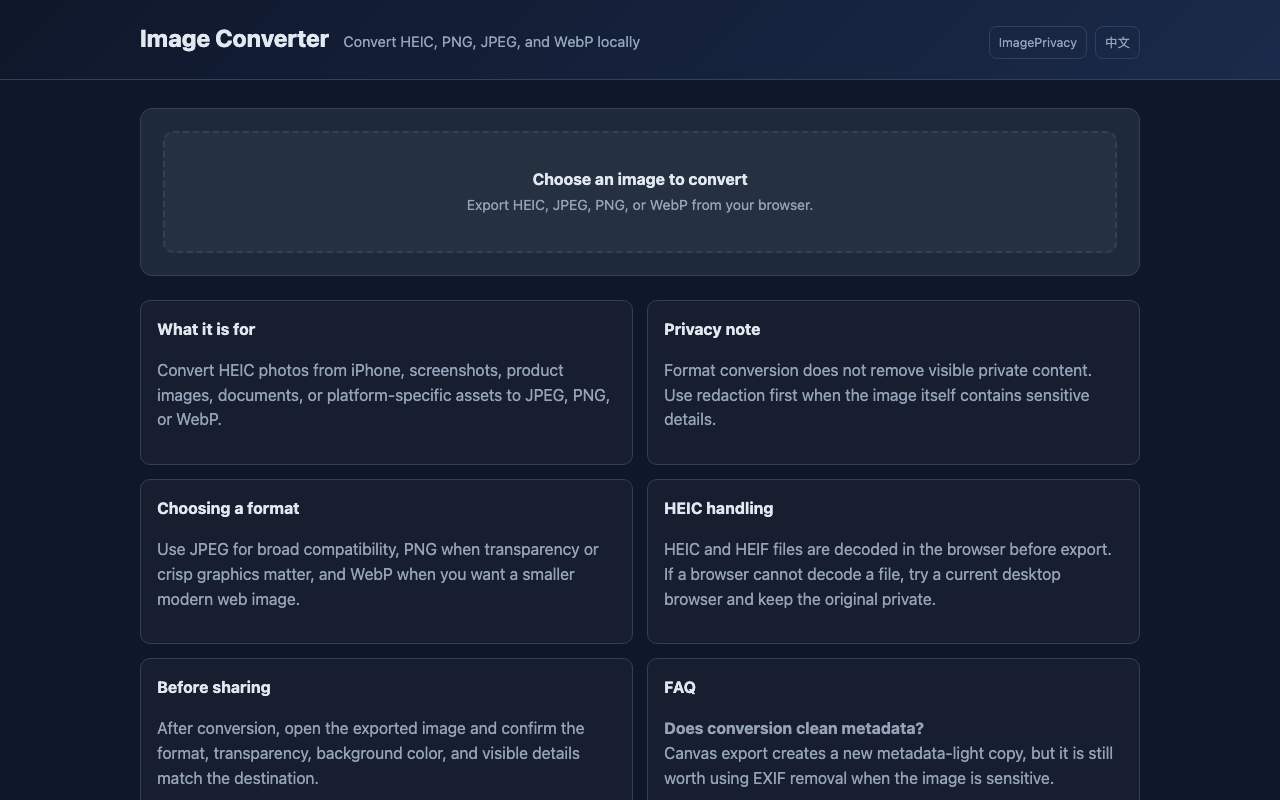
Quality and compatibility checks
Compare dimensions, file size, transparency, orientation, text edges, gradients, and color appearance in the downloaded file. JPEG and WebP quality values are encoder controls, not universal scores. HEIC support depends on the browser and decoder library. One working sample does not establish support for every variant; test representative files at the destination before a batch.
Functional checks have a narrower scope
Check unsupported inputs, empty selections, repeated actions, downloads, keyboard navigation, language switching, and mobile layout. Passing these checks helps establish usability; it does not establish exhaustive metadata removal, complete HEIC decoding, or security certification. Advertisements should not look like download or result controls.
Corrections and repeatability
Important tool or guide changes are listed in the public changelog. To report a reproducible issue, include the tool URL, browser version, input format and dimensions, expected result, and actual result. Do not email a private source image; create a harmless sample or describe the failure at contact@imageprivacy.org.
Technical references
The Chrome DevTools Network documentation explains request inspection. ExifTool’s tag reference describes metadata groups; these references do not endorse or certify ImagePrivacy.